Every year, small business owners collectively leave billions of dollars in tax deductions on the table — not because those expenses weren’t legitimate, but because the receipts were lost, disorganized, or impossible to find during tax season. If you’ve ever spent hours before an April deadline hunting through shoeboxes, email inboxes, and bank statements trying to reconstruct your business expenses, you already know the pain.
Poor receipt organization isn’t just a headache — it’s a real financial risk. The IRS can audit your return up to three years back (and sometimes six years). Without proper records, you could lose thousands in deductions you actually earned, or face penalties for expenses you can’t substantiate. The good news: setting up a receipt organization system that actually works isn’t complicated. It just requires the right framework — and the right tools.
Digital vs. Paper Receipt Systems: Which Is Right for Your Business?
Before building your organization system, you need to decide on your foundation: digital, paper, or a hybrid approach.
Paper Receipt Systems
Pros: No technology required, legally accepted in original form, easy to hand off to an accountant.
Cons: Receipts fade over time (thermal paper can become unreadable within 2–5 years), easy to lose, impossible to search, space-consuming, and completely impractical for remote teams.
Digital Receipt Systems
Pros: Searchable, backed up, accessible anywhere, can be automatically categorized, never fades, easy to share with accountants or bookkeepers. The IRS accepts digital copies of receipts under Revenue Procedure 98-25, provided they accurately reproduce the original.
Cons: Requires consistent scanning discipline, relies on technology (though cloud backups solve this).
The verdict for most small business owners: Go digital. A digital system is searchable, durable, and dramatically reduces audit risk because everything is organized and retrievable in seconds rather than hours.
The 7 IRS Receipt Categories Every Small Business Needs
The IRS requires you to substantiate business deductions with records that document the amount, date, place, and business purpose. Organizing by category ensures you can pull every receipt in a specific deduction class instantly during an audit or tax preparation. According to IRS Publication 463, the seven core categories for small business receipts are:
- Travel Expenses — Airfare, hotels, ground transportation for business purposes (not commuting). Must document business purpose of each trip.
- Meals and Entertainment — Business meals (50% deductible). Must record who you met with and the business purpose discussed.
- Vehicle and Transportation — Gas, parking, tolls, rideshares for business use. Keep mileage logs alongside receipts.
- Office and Supplies — Paper, ink, software subscriptions, office furniture, computers, phones used for business.
- Professional Services — Accountants, attorneys, consultants, freelancers. Contractors over $600/year require a 1099-NEC.
- Marketing and Advertising — Ad spend, design work, printing, website hosting, social media tools.
- Utilities and Rent — Business premises rent, electricity, internet, phone if used for business. Home office deductions require careful documentation.
How Long to Keep Each Receipt Type: IRS Rules
One of the most common mistakes small business owners make is throwing away receipts too early — or keeping everything forever “just in case.” Here’s what the IRS recommends for record retention:
- 3 years — Standard receipts for most business expenses (the IRS standard audit window).
- 6 years — If you underreported income by more than 25%, the IRS has six years to audit.
- 7 years — Receipts related to bad debt deductions or worthless security claims.
- Indefinitely — Records for property you own (real estate, major equipment) until you dispose of it, plus the standard retention period afterward.
- 4 years — Employment tax records (if you have employees).
The practical takeaway: keep all business receipts for a minimum of seven years if you want to be safe. With digital storage costing essentially nothing, there’s no reason not to keep everything.
The Audit-Proof 3-Step Receipt Organization Workflow
Theory is worthless without a repeatable system. Here’s the three-step workflow that works for small business owners who don’t have a full-time bookkeeper:
Step 1: Capture at the Point of Purchase
The biggest failure point in any receipt system is the gap between getting a receipt and actually filing it. The fix: eliminate the gap entirely. Scan or photograph every receipt within 24 hours of receiving it — ideally the moment you get it. Email receipts should be forwarded to a dedicated business email folder immediately. Never let receipts pile up for “later.”
Step 2: Categorize Automatically or Consistently
Every scanned receipt should be tagged to one of your seven IRS categories before it’s stored. If you’re using a manual folder system, maintain seven labeled digital folders (matching the categories above) in cloud storage like Google Drive or Dropbox. If you’re using a receipt scanning app, set up auto-categorization rules so the system does the work for you.
Step 3: Monthly Reconciliation
Once a month — not once a year — reconcile your categorized receipts against your bank and credit card statements. This takes 15–30 minutes monthly versus an entire weekend in April. Flag any discrepancies immediately. Month-end reconciliation is the single habit that separates business owners who are always audit-ready from those who are perpetually scrambling.
How BudgetX Eliminates the Hard Parts of This Workflow
The three-step workflow above works — but it still requires discipline at every step. BudgetX was built to automate the friction points that cause most business owners to fall off the system.
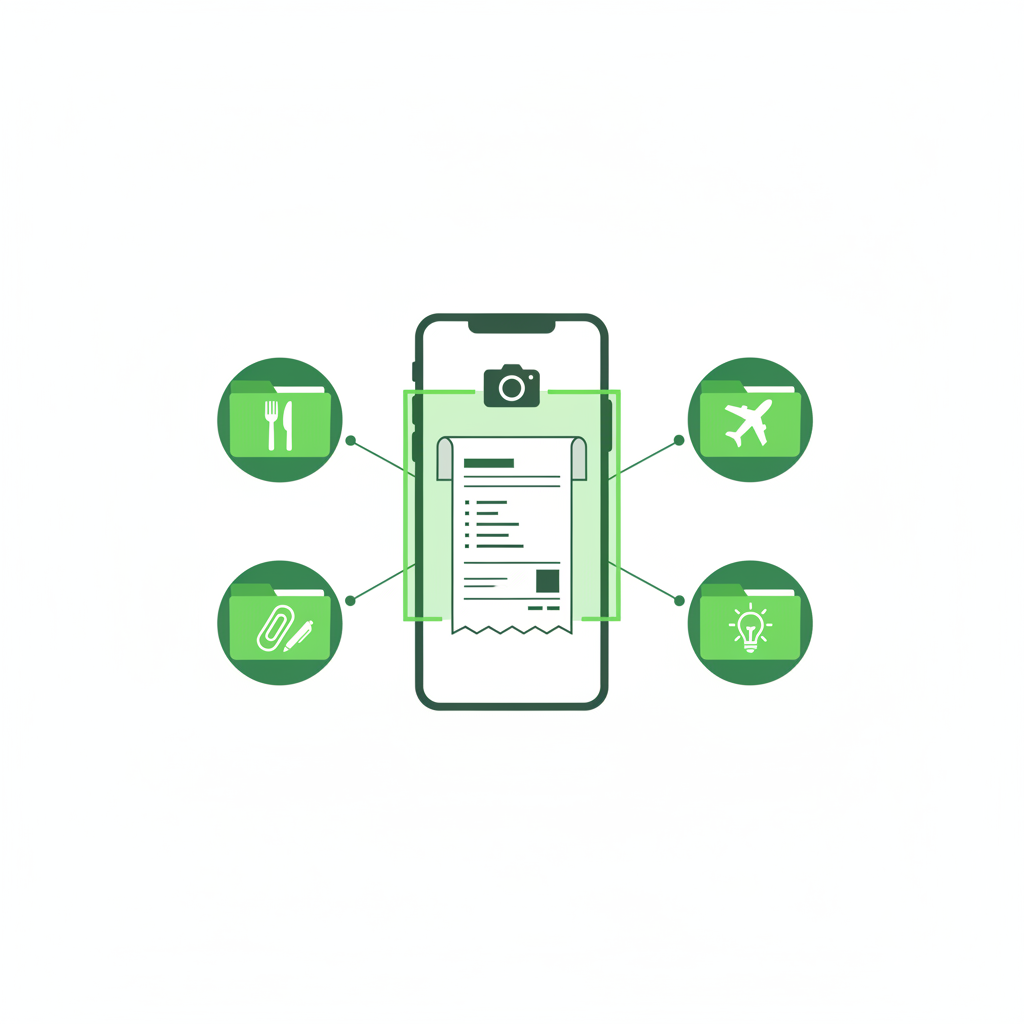
Instant Capture: Open the BudgetX app, point your phone’s camera at any receipt, and the AI extracts the merchant name, date, total, and line items in seconds. No typing. No manual data entry. The receipt image is stored in the cloud alongside the extracted data — so you have both the original (for IRS compliance) and searchable text (for your sanity).
Automatic Categorization: BudgetX’s AI categorizes receipts into your expense categories automatically based on the merchant type and purchase details. Office Depot goes to Office and Supplies. Delta Air Lines goes to Travel. You can review and adjust, but the default accuracy means you rarely need to.
Search and Export: When tax season arrives, or if you ever face an audit, you can search your entire receipt history by date range, category, merchant, or amount — and export everything as a report your accountant can work with directly. What used to take hours takes minutes.
Cloud Backup: Every receipt is automatically backed up. No shoebox. No faded thermal paper. No lost receipts because you left your jacket at a restaurant.
Start Your Organized System Today
Receipt disorganization is a choice — usually made by default, not by intention. Small business owners who implement even a basic digital receipt system save an average of 10–15 hours per tax season and recover deductions they would have otherwise missed. The business owners who build audit-proof systems take it further: they have confidence year-round, not just panic in April.
The best time to set up your receipt organization system was the first day you opened your business. The second best time is today.
Ready to eliminate receipt chaos for good? Download BudgetX free and scan your first receipt in under 30 seconds — no manual data entry required.