
The Hidden Time Sink in Every Bookkeeper’s Practice
If you’re a bookkeeper or CPA, you know the drill: Tax season means endless shoeboxes, crumpled receipts, and clients who swear they’ll “get organized next year.” Sarah Martinez, a certified bookkeeper with 15 years of experience, used to spend 15-20 hours per client just on receipt organization during tax prep season. That’s time she couldn’t bill for—time that ate directly into her profit margins.
The Breakthrough: Digital Receipt Management
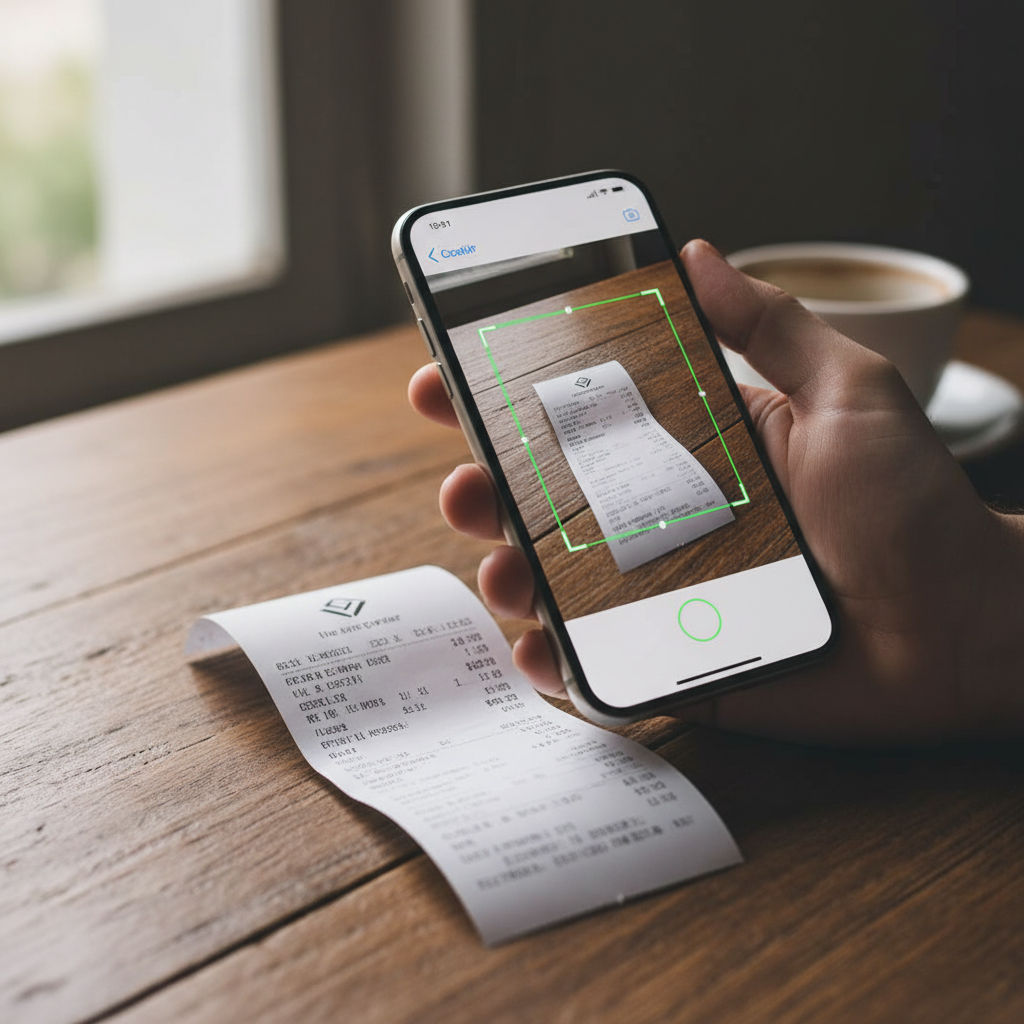
Last year, Sarah discovered receipt scanning apps and everything changed. By recommending BudgetX to her clients, she cut her receipt organization time from 15 hours to just 5 hours per client—a 10-hour savings per client. With 25 active clients, that’s 250 hours saved during tax season alone.
“I used to dread the January rush,” Sarah explains. “Now my clients snap photos of receipts throughout the year. By the time I sit down to prepare their taxes, everything is organized, categorized, and ready to export. It transformed my practice.”
How Receipt Scanning Apps Work for Bookkeepers
The process is simple but powerful:
- Client-side capture: Your clients photograph receipts using the BudgetX app on their phones
- Automatic extraction: AI reads the merchant, date, amount, and category
- Cloud synchronization: All data syncs to a central dashboard you can access
- One-click exports: Generate tax-ready reports in PDF, CSV, or Excel format
The Numbers Don’t Lie
Sarah breaks down her before-and-after math:
| Metric | Before BudgetX | After BudgetX |
|---|---|---|
| Receipt organization time | 15 hours/client | 5 hours/client |
| Client email volume | 50+ emails/season | 12 emails/season |
| Missing receipt rate | 30% | 5% |
| Audit documentation time | 4 hours | 30 minutes |
Beyond Time Savings: Client Accountability Benefits
Here’s what surprised Sarah most: the technology didn’t just save time—it improved client behavior. When clients have an easy way to track expenses in real-time, they actually do it. No more “I forgot about that coffee meeting” or “I lost that client lunch receipt.”
“My clients are more engaged now,” Sarah notes. “They can see their spending patterns throughout the year. Some even make better financial decisions because they’re more aware of where their money goes.”
The Real-Time Visibility Advantage
For bookkeepers, this means:
- Fewer surprises: No more discovering major expenses in April that should have been tracked in July
- Better advice: You can provide proactive guidance when you see spending trends developing
- Stronger relationships: Clients view you as a strategic partner, not just a tax preparer
Audit-Proof Documentation: The Bookkeeper’s Insurance Policy
One of Sarah’s clients faced an IRS audit last year. In the past, this would have meant a frantic scramble through shoeboxes and email attachments. Instead, Sarah generated a complete, timestamped expense report with digital receipt images in under 30 minutes.
“The auditor was impressed,” Sarah recalls. “Every receipt was there—date, amount, merchant, business purpose. The audit was resolved in my client’s favor, and I looked like a hero. That alone was worth recommending the app to every client I have.”
Digital Receipts vs. Paper Receipts in Audits
The IRS accepts digital receipts as valid documentation. According to IRS Publication 463, you can prove expenses with “adequate records” including electronic records. BudgetX provides:
- Timestamped capture dates
- Original receipt images stored securely
- Automatic categorization tied to business expense categories
- Exportable audit trails
The Referral Opportunity: Turn Your Recommendation Into Revenue
Here’s the part most bookkeepers miss: recommending tools to clients positions you as a trusted advisor. When Sarah helps her clients save time and money, they refer her to their friends, colleagues, and business networks.
“I’ve gained six new clients in the past year from referrals,” Sarah shares. “They all heard about how organized my process is compared to their previous bookkeepers. The app recommendation became a differentiator.”
How to Pitch Receipt Scanning to Clients
Sarah’s approach is simple:
- Lead with benefits: “You’ll save hours at tax time and never lose a receipt again.”
- Remove friction: “It takes 3 seconds to snap a photo. The app does the rest.”
- Emphasize audit protection: “If you ever get audited, every receipt is digitally stored and organized.”
- Offer to set it up: “I’ll walk you through the 5-minute setup.”
Most clients say yes within minutes. They’re already overwhelmed by expense tracking—any solution that makes it easier is welcome.
Why BudgetX Specifically?
Sarah tested several receipt scanning apps before settling on BudgetX. Here’s why it won:
- Speed: 3-second receipt capture vs. 15-30 seconds on competing apps
- Accuracy: 95%+ AI extraction accuracy on merchant, date, and amount
- Export flexibility: PDF, CSV, and Excel exports that integrate with QuickBooks, Xero, and FreshBooks
- Free tier: Clients can start free, removing the barrier to adoption
- Mobile-first design: Works seamlessly on iOS and Android
“The free tier is crucial,” Sarah explains. “I can recommend it without worrying about my clients paying for another subscription. Once they see the value, some upgrade to premium for unlimited scans. But the free version covers most of my clients’ needs.”
Implementation: Getting Started with Your Clients
Rolling out BudgetX to your client base takes less than a day. Sarah recommends this workflow:
- Set up your own account first: Familiarize yourself with the dashboard and export features
- Create a simple onboarding guide: A one-page PDF explaining the 3-step process (download, snap, done)
- Send to all clients: Include it in your monthly newsletter or send a dedicated email
- Offer 10-minute setup calls: For clients who need hand-holding, a quick screen-share session seals the deal
- Check in monthly: A brief email asking if they have questions keeps engagement high
Within two months, Sarah had 90% of her clients actively using the app. The remaining 10% were mostly clients with very few expenses who didn’t need it.
The Bottom Line: ROI for Your Practice
Let’s do the math for a typical bookkeeper with 20 clients:
- Time saved: 10 hours × 20 clients = 200 hours
- Hourly rate: $75/hour (conservative estimate)
- Value of time saved: $15,000
- New client referrals: 2-3 new clients per year at $1,500/year each = $3,000-$4,500
- Total annual benefit: $18,000-$19,500
And that doesn’t include the reduced stress, improved client satisfaction, and professional differentiation.
Take the First Step
Sarah’s advice to other bookkeepers: “Don’t wait until next tax season. Start now. Your future self will thank you, and your clients will wonder how they ever lived without it.”
The shift to digital receipt management isn’t just about saving time—it’s about modernizing your practice, impressing clients, and building a referral engine that grows your business organically.
Download BudgetX free and see how quickly receipt management can transform your bookkeeping practice. Your clients are ready for a better way—give them one.