It’s Saturday morning, May 23rd. You’ve got your coffee. The weekend stretches ahead. And somewhere in the back of your mind, a small alarm is going off: the June 15 estimated tax deadline is 23 days away.
For freelancers, solopreneurs, and small business owners, missing this deadline means a penalty — and nobody wants to hand the IRS extra money. The good news? If you start this Saturday morning, you have plenty of time to be completely ready.
This checklist will walk you through everything you need to do before June 15 to file your Q2 estimated taxes without stress, surprises, or late fees.
Why June 15 Matters for Freelancers
The IRS requires self-employed individuals and freelancers to pay taxes four times per year through estimated tax payments — not once in April. This is because no employer is withholding taxes from your paycheck. You are your own payroll department.
The four payment deadlines in 2026 are:
- Q1 (Jan–Mar income): April 15, 2026 ✅
- Q2 (Apr–May income): June 15, 2026 ← You are here
- Q3 (Jun–Aug income): September 15, 2026
- Q4 (Sep–Dec income): January 15, 2027
If you owe more than $1,000 in taxes for the year and don’t make timely estimated payments, the IRS charges an underpayment penalty. With interest rates currently elevated, that penalty adds up fast.
Bottom line: June 15 is not optional. Let’s make sure you’re ready.
The Saturday Morning Checklist: 23 Days to Go
Work through this list at whatever pace feels right. Even completing Steps 1–3 today sets you up to finish stress-free next weekend.
Step 1: Gather All Income Records for Q2 (April 1 – May 31, 2026)
You need a complete picture of what you earned during Q2. Collect:
- Invoices paid by clients in April and May
- PayPal, Venmo, Stripe, or other payment platform exports
- 1099-K forms (if you’ve received them for this period)
- Any cash payments (yes, those count too)
- Income from platforms like Upwork, Fiverr, Substack, or Patreon
Pro tip: Most freelancers undercount their income because it comes from multiple sources. Cross-reference your bank statements against your invoices to make sure nothing is missed.
Step 2: Tally Up Your Business Expenses for Q2
Deductions reduce your taxable income, which directly reduces what you owe. Common Q2 deductions include:
- Home office expenses (pro-rated by month)
- Software subscriptions and tools
- Equipment and hardware purchases
- Business meals (50% deductible under IRS Publication 463)
- Travel for business
- Professional development (courses, books, coaching)
- Health insurance premiums (if self-employed)
- Marketing and advertising spend
Receipts matter. Every deduction you claim needs documentation. If an IRS audit ever comes up, receipts are your defense. This is exactly why receipt tracking software pays for itself — having a digital, organized record of every business purchase means every deduction is defensible.
Step 3: Calculate Your Q2 Net Profit
Simple formula:
Q2 Net Profit = Total Q2 Income − Total Q2 Business Expenses
This number is your taxable net profit for the quarter. Keep it handy — you’ll need it in the next step.
Step 4: Calculate Your Estimated Tax Payment
Most freelancers use the IRS’s safe harbor rule to avoid penalties without doing complex calculations. Under this rule, you’re protected from underpayment penalties if you pay either:
- Option A: 100% of your prior year’s total tax liability (divided by 4 for each quarter), or
- Option B: 90% of your current year’s projected total tax liability
If you’re not sure, use the IRS Estimated Tax Worksheet (Form 1040-ES) — it walks you through the calculation step by step. Your accountant can also help you calculate the exact amount.
As a quick rule of thumb: set aside 25–30% of your net profit for federal and state taxes combined. For higher earners, it may be closer to 35%.
Step 5: Review Your Q1 Payment (Did You Underpay?)
Before you calculate Q2, quickly check your Q1 estimated tax payment (due April 15). If your Q2 income was significantly higher than Q1, you may want to slightly overpay Q2 to catch up. If your income was lower, you can potentially reduce the payment.
Either way, knowing where you stand gives you control — instead of scrambling in January when you file your return.
Step 6: Make Your Payment via IRS Direct Pay
The IRS makes it straightforward to pay online. Your two main options:
- IRS Direct Pay — Free, no registration needed, pay directly from your bank account. Schedule your payment for any date up to June 15.
- Electronic Federal Tax Payment System (EFTPS) — Free, requires registration, but gives you a full payment history. Great if you want a record.
Don’t mail a check if you can avoid it — processing times can cause it to arrive after the deadline even if you sent it on time. Online payments are instant and give you a confirmation number.
Step 7: File with Your State Tax Authority
Federal estimated taxes are only half the picture. Most states require freelancers to make quarterly estimated tax payments too — and state deadlines don’t always align with federal ones.
Check your state’s tax authority website to confirm:
- Does your state require quarterly estimated payments?
- What is the Q2 state deadline? (Often, but not always, June 15)
- What is the state’s online payment portal?
Most states have a simple online payment system similar to IRS Direct Pay.
Step 8: Update Your Recordkeeping System
Once your Q2 payment is made, take 15 minutes to make sure your records are in good shape for the rest of the year. This means:
- All receipts for Q2 expenses are saved and categorized
- Your Q2 income is documented and reconciled with your bank
- Your Q3 estimated payment deadline (September 15) is on your calendar
The Biggest Mistake Freelancers Make at Tax Time
It’s not the math. It’s the receipts — or rather, the missing receipts.
When you claim a business expense deduction and can’t produce the receipt, you lose the deduction. Every $100 receipt you can’t find might cost you $25–35 in additional taxes. Over a full year of freelancing, that can add up to thousands of dollars.
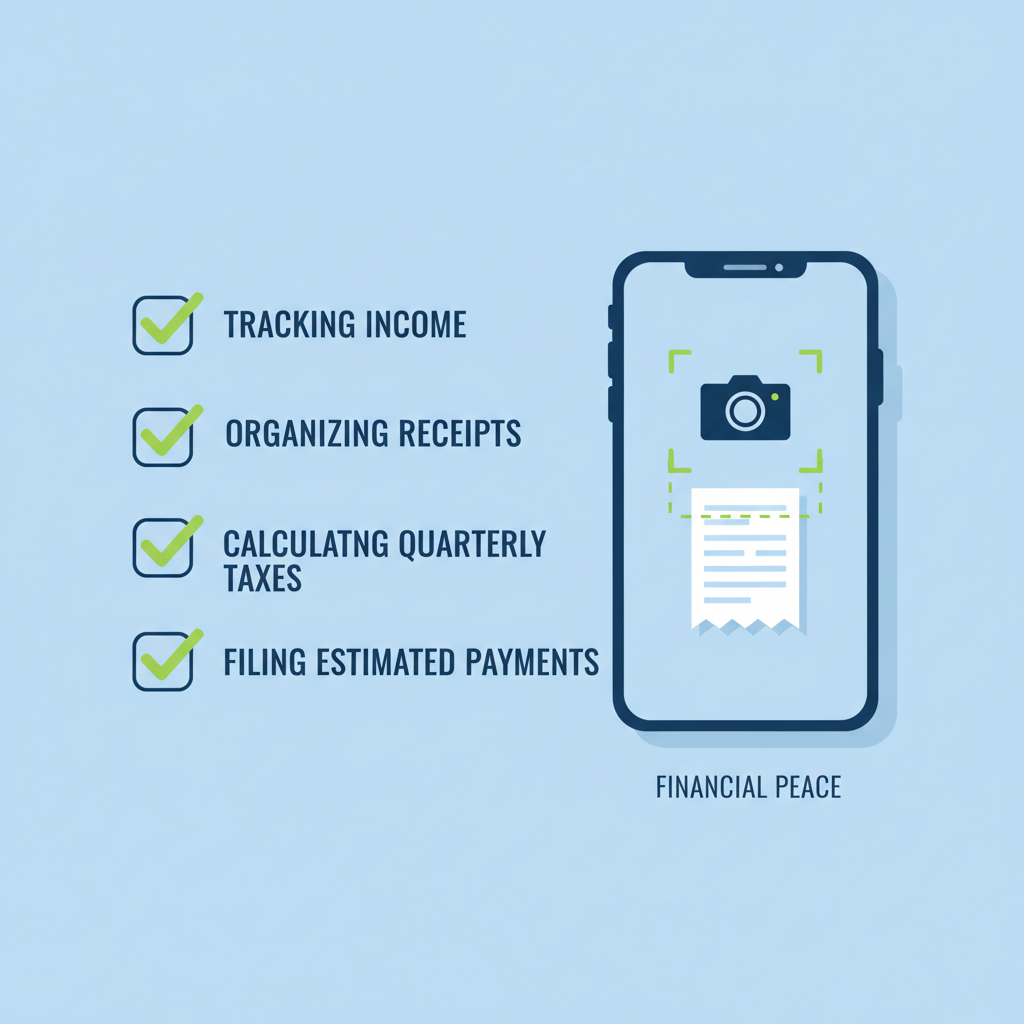
The fix is simple: capture every receipt the moment it happens. A quick phone scan while you’re still at the coffee shop, the hardware store, or the business dinner takes 10 seconds. Waiting until tax season takes hours — and you still lose receipts.
Modern receipt scanning apps can capture, categorize, and extract the data from your receipts automatically using AI. That means zero manual data entry, always-current expense reports, and a complete, audit-proof record ready when you need it.
Your Q2 Tax Prep Timeline (23 Days Out)
| When | Action |
|---|---|
| Today (May 23) | Gather all income sources, export transaction history |
| May 24–25 | Compile and categorize all Q2 expenses, find missing receipts |
| May 26–30 | Calculate net profit, estimate tax owed using Form 1040-ES |
| June 1–7 | Consult your accountant (optional but recommended) |
| June 8–12 | Schedule payment via IRS Direct Pay and state portal |
| By June 15 | ✅ Payment submitted — you’re done! |
Quick Reference: Key IRS Resources
- IRS: Estimated Taxes for Self-Employed
- IRS Form 1040-ES: Estimated Tax Worksheet
- IRS Direct Pay (free, instant online payment)
- EFTPS: Electronic Federal Tax Payment System
- IRS Publication 505: Tax Withholding and Estimated Tax
Make Every Future Tax Deadline Easier
The best thing you can do for your Q3 deadline — and every deadline after that — is to stop letting receipts and income records pile up. When your records are always current, tax prep goes from a stressful weekend project to a 20-minute quarterly task.
BudgetX is an AI-powered receipt scanner built specifically for freelancers and small business owners. Scan a receipt in 3 seconds, and BudgetX automatically extracts the merchant, amount, date, and category. At tax time, export a clean, categorized expense report with one tap.
No more lost receipts. No more guessing. Just clean, organized records that make every quarterly payment straightforward.
The information in this article is for educational purposes only and does not constitute tax advice. Consult a qualified tax professional for guidance specific to your situation. Tax rules, rates, and deadlines are subject to change — always verify current requirements at IRS.gov.