If you’re self-employed, you know the feeling: tax season rolls around and you’re buried in a shoebox of crumpled receipts, trying to remember which gas station charge was actually a client meeting. A receipt scanning app for self-employed professionals can transform this chaos into an organized, audit-ready record — saving you time, money, and serious stress.
This complete 2026 guide breaks down exactly what to look for in a self-employed receipt scanner, how BudgetX stacks up against the competition, and how to start capturing every deductible expense today.
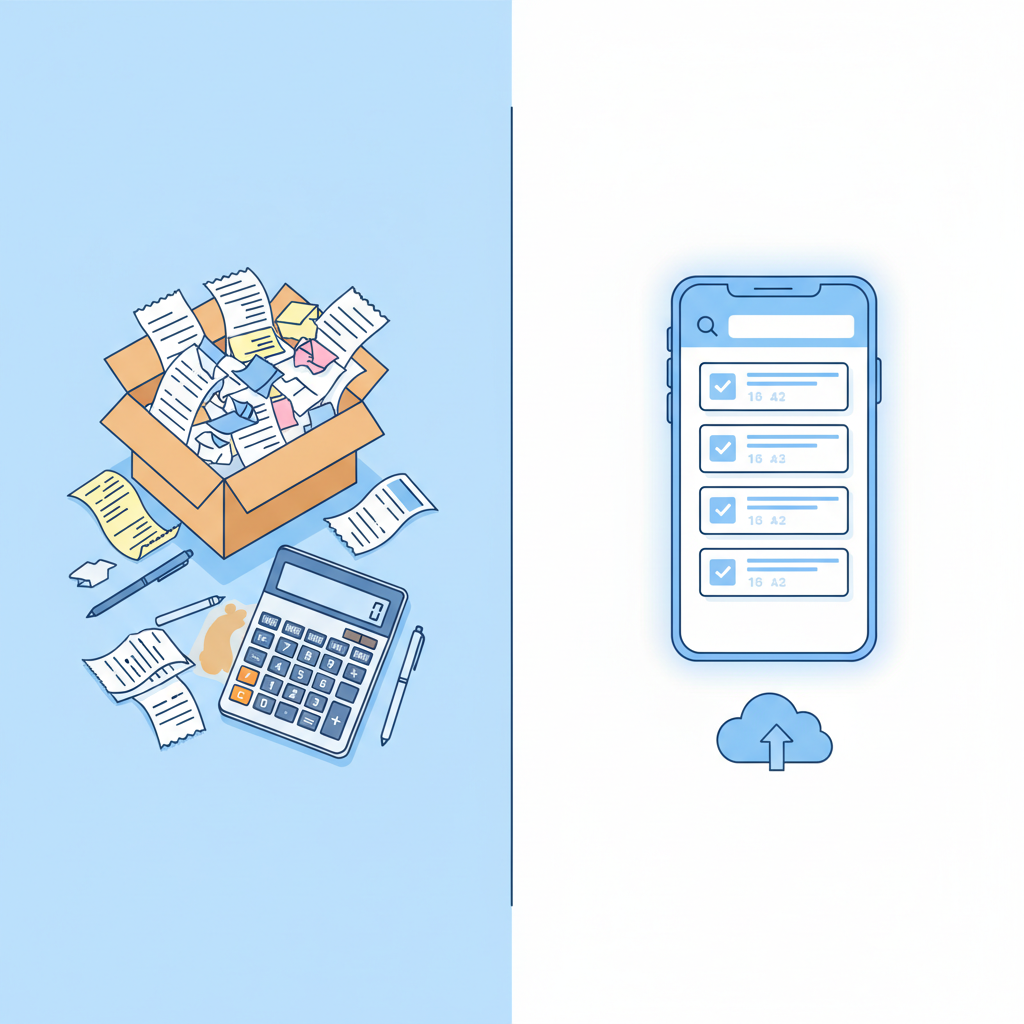
Why Self-Employed People Need a Receipt Scanning App
The IRS requires self-employed individuals to keep records of all business expenses for at least three years — and up to seven years if you’ve underreported income. Manual tracking through spreadsheets or paper files leaves too much room for error, and missed deductions mean paying more taxes than you should.
Here’s what a dedicated receipt scanning app delivers for freelancers and independent contractors:
- Tax deductions captured automatically — Never miss a legitimate write-off because a receipt got lost or faded.
- Audit protection — Digital, timestamped records are far more defensible than a shoebox of paper.
- Time savings — What used to take hours at tax time takes minutes throughout the year.
- Mileage and category tracking — Categorize expenses in real time so your accountant (or your tax software) gets clean, organized data.
According to the IRS, the average self-employed worker misses over $1,200 in deductible expenses each year simply from poor record-keeping. A $5/month app can easily pay for itself 20 times over in recovered deductions.
What to Look For in a Receipt Scanner
Not all receipt apps are created equal. When evaluating a self-employed receipt scanner, prioritize these features:
- AI-powered accuracy — Optical character recognition (OCR) should reliably extract vendor name, date, amount, and tax category — even from crumpled or faded receipts.
- Mobile-first design — You’re capturing receipts on the go. The app should open fast, scan in one tap, and sync instantly.
- Tax categories built in — Look for IRS-aligned categories: meals & entertainment, travel, home office, equipment, software subscriptions.
- Export options — CSV, PDF, and direct integrations with QuickBooks, TurboTax, or your accountant’s preferred format.
- Affordable pricing — For solo freelancers, you shouldn’t be paying enterprise software prices.
BudgetX: The Best Receipt App for Freelancers in 2026
BudgetX was built specifically for people who work for themselves. Its AI engine reads receipts in under three seconds, auto-categorizes expenses by IRS tax category, and syncs across iOS and Android. Here’s what each plan includes:
- Starter — $4.99/month: Unlimited receipt scanning, automatic categorization, monthly expense reports, CSV export. Perfect for freelancers just getting organized.
- Pro — $9.99/month: Everything in Starter plus mileage tracking, multi-currency support, custom tax categories, and QuickBooks export. Ideal for full-time contractors.
- Business — $24.99/month: Everything in Pro plus team sharing, approval workflows, accountant access, and priority support. Great for solopreneurs with subcontractors.
Most self-employed users find the Pro plan at $9.99/month covers everything they need — and at that price, a single captured meal deduction covers the cost for the month.
BudgetX vs. The Competition
How does BudgetX compare to other popular options for the best receipt app for freelancers?
- vs. Expensify: Expensify charges $10–$20/month per user and is built for corporate expense reports, not solo tax tracking. BudgetX is simpler, faster, and more affordable for freelancers.
- vs. Wave: Wave is free but receipt scanning is limited and the OCR accuracy lags behind AI-powered alternatives. BudgetX’s AI reads difficult receipts Wave often misses.
- vs. Dext (formerly Receipt Bank): Dext is powerful but starts at $20+/month and requires an accountant to get full value. BudgetX is self-serve from day one.
- vs. Manual spreadsheet tracking: No contest. Manual tracking takes 3–5 hours per month and produces error-prone data. BudgetX takes 3 seconds per receipt.
How to Scan Your First Receipt with BudgetX
Getting started takes less than two minutes:
- Download BudgetX from the App Store or Google Play.
- Create your free account — no credit card required for the trial.
- Tap the scan button and point your camera at any receipt.
- Review the extracted data — BudgetX will show vendor, date, amount, and suggested tax category.
- Confirm or adjust the category with one tap, then save.
- Repeat every time you spend on a business expense — gas, software, client lunch, office supplies.
By the end of your first week, you’ll have a clean digital expense log that would have taken hours to compile manually.
Top 5 Deductions BudgetX Helps You Capture
Self-employed individuals are eligible for a wide range of deductions that employees can’t claim. BudgetX is built around the five most commonly missed:
- Meals & Entertainment — Business meals with clients are 50% deductible. BudgetX flags meal receipts and tracks the deductible portion automatically.
- Mileage & Vehicle Expenses — The 2026 IRS standard mileage rate is 70 cents per mile. BudgetX’s Pro plan tracks mileage alongside receipt expenses.
- Home Office — If you work from home, a portion of rent, utilities, and internet is deductible. BudgetX lets you tag recurring home office expenses for easy year-end reporting.
- Equipment & Technology — Laptops, cameras, external drives, and other tools used for work are deductible. BudgetX captures the receipt and flags it as a capital expense when appropriate.
- Software Subscriptions — Every SaaS tool you use for work — design apps, project management, communication tools — is deductible. BudgetX auto-categorizes digital receipts from email or PDF uploads.
Together, these five categories can easily add up to thousands of dollars in deductions that go unclaimed without proper record-keeping.
Ready to Get Organized Before June 15?
Tax deadlines don’t wait, and neither should your expense tracking. Whether you’re a freelance designer, independent consultant, real estate agent, or gig worker, a receipt scanning app for self-employed professionals is the single highest-ROI tool you can add to your workflow this year.
BudgetX is free to try — no credit card needed. Start scanning today and arrive at your next tax deadline with clean, organized records and every deduction accounted for.