Meta Description: Learn how to organize receipts efficiently with this step-by-step guide. Save time at tax season and never lose a deductible expense again with BudgetX.
Focus Keyword: organize receipts
—
Why Organizing Receipts Matters
Every year, small business owners and freelancers leave thousands of dollars on the table by losing track of deductible expenses. According to the IRS, proper documentation is essential for claiming legitimate business deductions. The challenge? Paper receipts fade, get lost, and create clutter that makes tax season a nightmare.
Learning how to organize receipts effectively transforms chaotic financial records into a streamlined system that saves hours of frustration and protects your bottom line.
—
Step 1: Gather All Your Receipts in One Place
Start by collecting every receipt from the past year. Check your:
- Wallet and car glove compartment
- Email inbox for digital receipts
- Banking apps and statements
- Desk drawers and filing cabinets
Don’t judge or sort yet—just gather. This comprehensive collection ensures nothing falls through the cracks.
—
Step 2: Categorize Your Expenses
Once you have everything collected, sort receipts into categories aligned with IRS Schedule C categories:
- Office supplies and equipment
- Travel and transportation
- Meals and entertainment
- Professional services
- Marketing and advertising
- Utilities and rent
- Software and subscriptions
Clear categories make tax preparation faster and help you spot spending patterns throughout the year.
—
Step 3: Digitize Everything
Paper receipts fade within months—thermal paper degrades quickly, rendering important records unreadable. Digital copies last forever and are searchable.
Best practices for digitizing:
- Use your smartphone camera to scan receipts immediately
- Store in cloud-based systems with automatic backup
- Name files consistently (YYYY-MM-DD_Vendor_Category)
- Keep both the image and extract key data
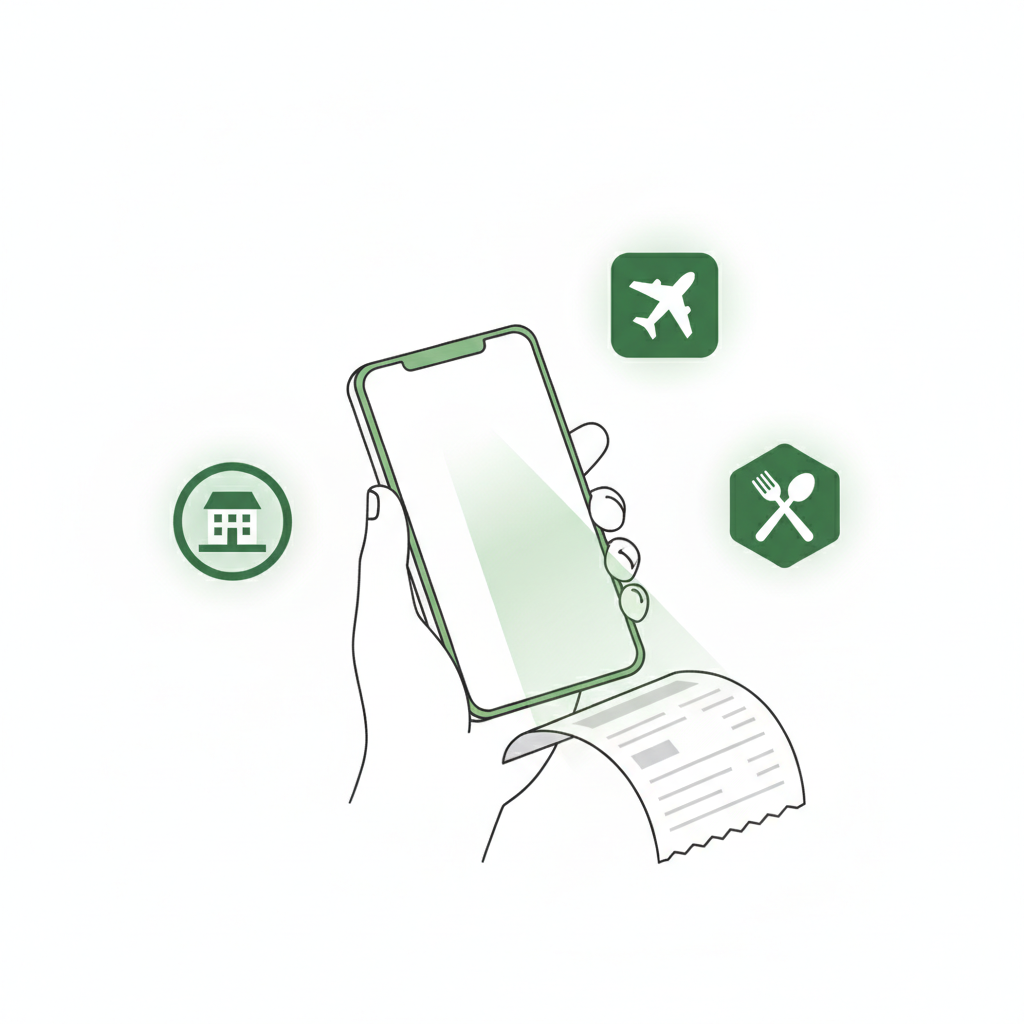
Modern apps like BudgetX automate this process entirely—snap a photo and the AI extracts vendor, date, amount, and category automatically.
—
Step 4: Set Up a Consistent Filing System
Whether digital or physical, consistency is key. Create a folder structure like:
📁 2026 Expenses
  📁 Q1 (Jan-Mar)
    📁 Office Supplies
    📁 Travel
    📁 Meals
  📁 Q2 (Apr-Jun)
    📁 Office Supplies
    📁 Travel
    📁 Meals
This quarterly structure makes it easy to find specific receipts when questions arise and simplifies quarterly tax estimates.
—
Step 5: Track Receipts Weekly
Don’t let receipts pile up. Set a recurring 15-minute weekly appointment to:
1. Photograph new receipts
2. Verify data extraction
3. File in correct category
4. Flag any missing information
This habit prevents end-of-year scrambles and keeps your books accurate year-round.
—
Step 6: Reconcile with Bank Statements Monthly
Once a month, compare your organized receipts against bank and credit card statements. This catches:
- Missing receipts for legitimate charges
- Duplicate charges
- Fraudulent transactions
- Subscription services you forgot about
Monthly reconciliation takes 30 minutes but prevents hours of investigation later.
—
Step 7: Back Up Your System
Never rely on a single storage location. Use the 3-2-1 backup rule:
- 3 copies of your data
- 2 different storage types (cloud + local)
- 1 offsite backup
Cloud-based expense tracking apps handle this automatically, giving you peace of mind without manual effort.
—
Common Mistakes to Avoid
Mistake 1: Waiting until tax season. Organizing receipts once a year guarantees stress and missed deductions.
Mistake 2: Relying on memory. “I remember that dinner with the client” won’t satisfy an audit. Receipts or it didn’t happen.
Mistake 3: Mixing personal and business expenses. Keep separate cards and accounts for business—commingling creates bookkeeping nightmares.
Mistake 4: Ignoring small purchases. That $4 coffee adds up. Small expenses often represent significant deductions cumulatively.
—
How BudgetX Simplifies Receipt Organization
BudgetX eliminates manual receipt organization entirely. Using advanced AI, BudgetX:
- Scans receipts in seconds using your phone camera
- Automatically extracts date, vendor, amount, and category
- Syncs across all your devices
- Generates export-ready reports for tax time
- Stores everything securely in the cloud
Instead of spending hours each month on receipt management, BudgetX users organize expenses in minutes—freeing time for what actually grows your business.
Download BudgetX free and transform how you handle expenses starting today.
—
Final Thoughts
Learning how to organize receipts isn’t complicated—it’s about building consistent habits and using the right tools. Start today by gathering your receipts, choosing a digital system, and committing to weekly maintenance.
Your future self (especially during tax season) will thank you.