Most finance apps connect to your bank and show you where you spent money. But if you’re running a business, especially something like real estate, construction, flipping, e-commerce, etc, your bank statement is not detailed enough to make real decisions and is almost useless for tax, and only trigger complaince.
You go to Home Depot and spend $2,000.
Your bank app says:
Home Depot – $2,000
But what did you actually buy?
- $600 in paint
- $400 in nails
- $500 in hardwood
- $300 in tools
- $200 in random supplies
Your bank doesn’t know.
Your accounting software doesn’t know.
But your receipt does.
Receipts are still the source of truth.
If you want to know:
- Which materials are eating your margins
- How much you’re spending on consumables vs assets
- Where cost overruns actually happen
- What to write off properly for taxes
You need line-item level data.
Instead of manually typing everything into a spreadsheet, you can:
- Take a photo of the receipt.
- Upload it to ChatGPT or others.
- Use a prompt like:
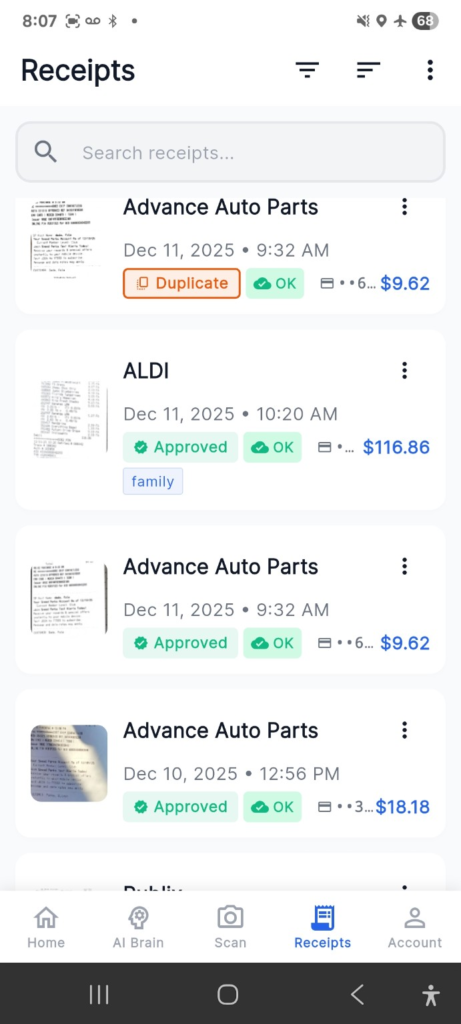
It will generate a structured table you can drop into Excel or Google Sheets.
From there, you can:
- Track cost by material type
- Compare spend across properties
- Analyze supplier pricing trends
- Prep cleaner tax documentation
Is it perfect? No.
Is it 10x faster than manual entry? Absolutely.
If you have a prompt that may help other SMBs or bookkeepers do better work, please share.