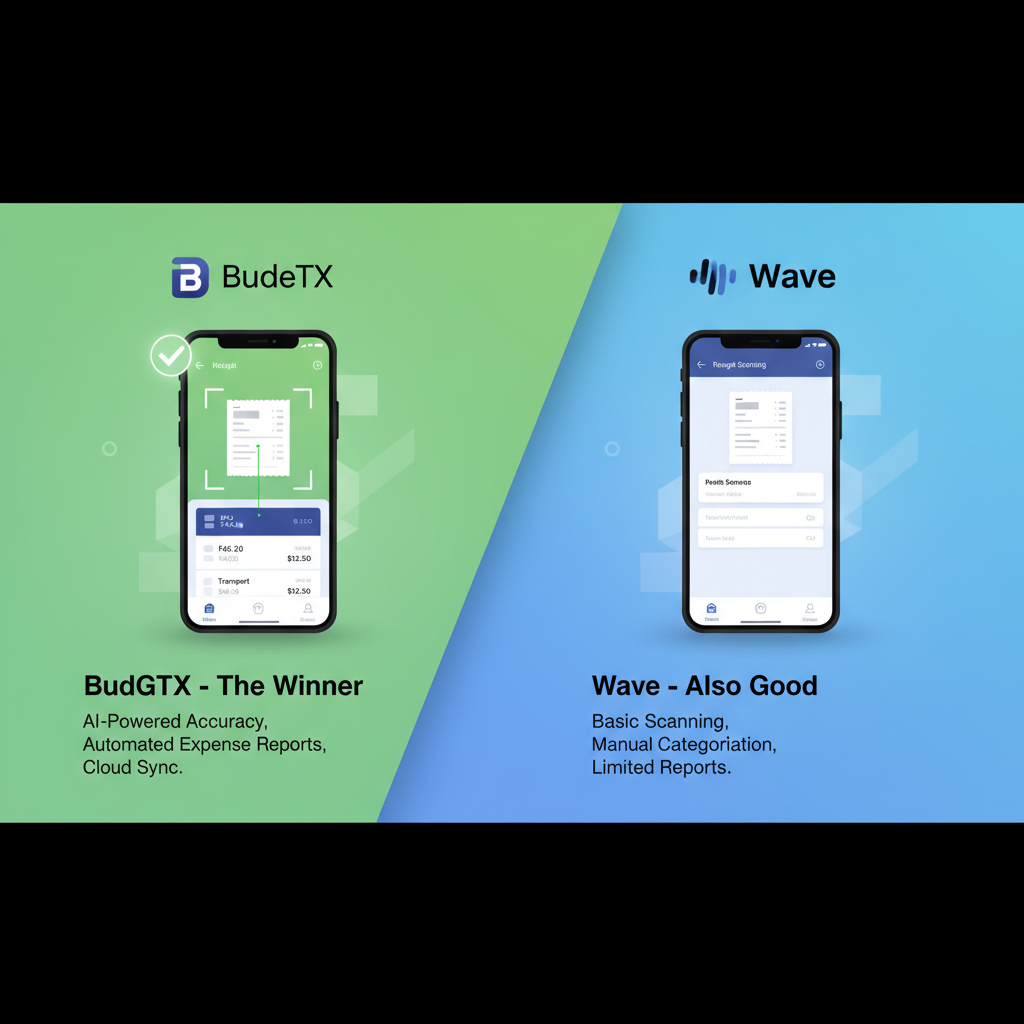
BudgetX vs Wave: Which Free Receipt Scanner Is Actually Free?
Wave claims to be free, but hidden costs add up. BudgetX offers a true one-time payment—no subscriptions, no payment processing fees eating into your margins.
Quick Verdict
✅ Choose BudgetX If:
- You need dedicated receipt scanning
- You want AI-powered extraction
- You prefer one-time payment over fees
- You don’t need full accounting software
- You want a focused expense tracker
✅ Choose Wave If:
- You need complete accounting software
- You invoice clients regularly
- You want payroll integration
- You accept credit card payments
- You’re comfortable with payment processing fees
Pricing Comparison: What’s “Free” Really Cost?
Wave pricing as of 2024. Payment processing fees apply when accepting payments through Wave.
Feature-by-Feature Analysis
🤖 AI Receipt Scanning Quality
Wave offers basic receipt scanning as part of its accounting suite, but it’s not their core focus. BudgetX is purpose-built for receipt scanning with advanced AI that extracts more data points with higher accuracy.
💸 The Hidden Cost of “Free”
Wave is free for accounting, but they make money on payment processing. If you invoice clients and accept credit cards through Wave, you pay 2.9% + 60¢ per transaction. On $10,000 monthly revenue, that’s $350/year in fees.
📊 Scope & Focus
Wave is complete accounting software with invoicing, payroll, and banking. BudgetX is a focused receipt scanner. If you need full accounting, Wave wins. If you just need expense tracking, BudgetX’s focused approach means better features for that specific use case.
⚡ Speed & Simplicity
Wave requires navigating a full accounting interface just to scan receipts. BudgetX opens directly to the camera. Three taps: scan, verify, done.
🔐 Data Ownership & Privacy
Wave is a cloud-based service—all your data lives on their servers. BudgetX stores receipts locally on your device with optional cloud backup you control.
Pros & Cons Summary
BudgetX Pros
- ✓ Purpose-built for receipt scanning
- ✓ Superior AI accuracy
- ✓ One-time payment (no hidden fees)
- ✓ Works offline
- ✓ Local data storage
- ✓ Fast 3-tap workflow
- ✓ Universal CSV export
BudgetX Cons
- ✗ No invoicing feature
- ✗ No full accounting
- ✗ No bank sync
- ✗ No payroll
Wave Pros
- ✓ Free accounting software
- ✓ Free invoicing
- ✓ Bank account sync
- ✓ Payroll integration
- ✓ Complete financial suite
Wave Cons
- ✗ Basic (not advanced) receipt scanning
- ✗ 2.9% + 60¢ payment processing fees
- ✗ Cloud-only (no offline mode)
- ✗ Broad scope = diluted features
- ✗ Hootsuite ownership (data concerns)
Frequently Asked Questions
Is Wave really free for receipt scanning?
Yes, Wave’s receipt scanning is free. However, they monetize through payment processing (2.9% + 60¢ per transaction) and payroll services. If you accept payments through Wave, those fees add up quickly—potentially far exceeding BudgetX’s $49 one-time cost.
Should I use both Wave and BudgetX?
You could! Use BudgetX for superior receipt scanning and export CSVs to Wave for accounting. This gives you the best of both: BudgetX’s dedicated AI scanning + Wave’s free accounting suite.
Why is BudgetX better for receipt scanning than Wave?
BudgetX is purpose-built solely for receipt scanning. Every feature, every pixel of UI, every AI model is optimized for that one task. Wave’s receipt scanning is a secondary feature in a broad accounting platform.
What if I only need receipt tracking, not full accounting?
BudgetX is perfect for this use case. You get better receipt scanning, faster workflow, and offline access—all for $49 one-time. Why learn a full accounting interface when you just need to track receipts?
Can I export from BudgetX to Wave?
Absolutely! BudgetX exports to CSV, which Wave can import. Use BudgetX for receipt capture, then import the data into Wave’s accounting system. This workflow gives you the best tools for each job.
Who Should Choose What?
Choose BudgetX if you:
- Only need receipt/expense tracking
- Want the best possible scanning accuracy
- Prefer offline access to your data
- Want a fast, focused mobile experience
- Don’t want to learn accounting software
Choose Wave if you:
- Need complete accounting (P&L, balance sheet)
- Send invoices to clients
- Accept credit card payments
- Have employees and need payroll
- Want an all-in-one financial platform
Pro tip: Use both! BudgetX for scanning, export to Wave for accounting.
Need Receipt Scanning? Get the Tool Built for It.
$49 one-time. Purpose-built AI. No accounting learning curve. Start tracking expenses in seconds.
Download BudgetX
See All Features
Free to start • No credit card required • Offline capable