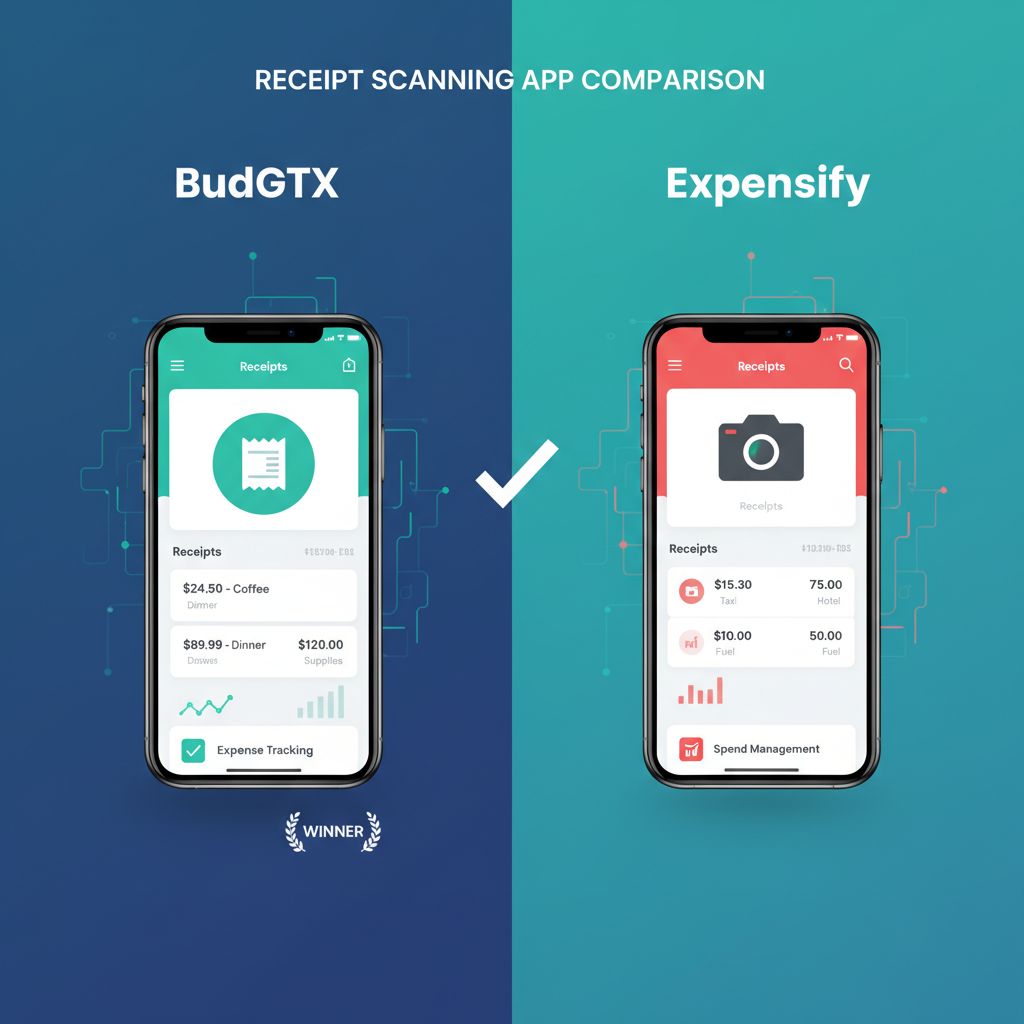
BudgetX vs Expensify: Which Receipt Scanner is Best for Your Business?
Stop paying monthly fees forever. See why thousands of freelancers and small business owners are switching to BudgetX’s AI-powered, one-time purchase receipt scanner.
Quick Verdict
✅ Choose BudgetX If:
- You’re a freelancer or solopreneur
- You want a one-time purchase (no monthly fees)
- You need simple, AI-powered receipt scanning
- You prefer paying once over subscriptions
- You don’t need corporate expense management
✅ Choose Expensify If:
- You’re a mid-size or enterprise company
- You need corporate card integration
- You require multi-level approval workflows
- You have 25+ employees to manage
- You need advanced compliance features
Pricing Comparison: Who Offers Better Value?
Expensify pricing as of 2024. Prices subject to change.
Feature-by-Feature Comparison
🤖 AI Receipt Scanning
Both BudgetX and Expensify use AI to automatically extract data from receipt photos. However, BudgetX’s AI is specifically optimized for individual expense tracking, while Expensify’s system is designed for corporate expense management with multi-user approval workflows.
💰 Pricing & Value
This is where BudgetX truly shines. While Expensify charges $5-9 per user per month indefinitely, BudgetX costs a single payment of $49. Over 3 years, you’d pay $180+ with Expensify vs. just $49 with BudgetX—that’s a 73% savings.
📊 Expense Reports & Export
Expensify offers deep integrations with accounting software like QuickBooks, Xero, and NetSuite. BudgetX focuses on clean CSV and PDF exports that work with any accounting system or spreadsheet.
👥 Team & Approval Features
Expensify wins here with robust multi-user expense management, approval workflows, and corporate card integration. BudgetX is designed for individuals who don’t need complex team features.
Pros & Cons Summary
BudgetX Pros
- ✓ One-time payment (no subscription)
- ✓ 73% cheaper over 3 years
- ✓ AI-powered scanning included
- ✓ Simple, intuitive interface
- ✓ No per-user fees
- ✓ Works offline
- ✓ Universal export formats
BudgetX Cons
- ✗ No team approval workflows
- ✗ No corporate card integration
- ✗ No direct accounting software sync
Expensify Pros
- ✓ Enterprise-grade features
- ✓ Multi-user approval workflows
- ✓ Corporate card integration
- ✓ Direct QuickBooks/Xero sync
- ✓ GPS mileage tracking
Expensify Cons
- ✗ Expensive recurring fees
- ✗ Complex for simple needs
- ✗ Requires internet connection
- ✗ Per-seat pricing adds up
- ✗ Learning curve for individuals
Frequently Asked Questions
Is BudgetX really a one-time purchase?
Yes! BudgetX costs $49 once and you own it forever. No monthly fees, no annual renewals, no hidden costs. This is ideal for freelancers and solopreneurs who want predictable expenses.
Why is Expensify so expensive for individuals?
Expensify is designed for companies with expense management teams, not individuals. Their pricing reflects enterprise features like approval workflows and corporate card programs that most freelancers don’t need.
Can I export BudgetX data to QuickBooks?
Yes! BudgetX exports to CSV format which can be imported into QuickBooks, Xero, FreshBooks, or any other accounting software. You maintain full control over your data.
What if I later need team features?
If your business grows beyond solopreneurship, you can transition to an enterprise expense management system later. BudgetX data exports ensure you don’t lose any historical records.
Is BudgetX’s AI scanning as accurate as Expensify?
BudgetX uses advanced AI for receipt recognition with comparable accuracy to Expensify. Both extract merchant, date, amount, and category from receipt photos. BudgetX focuses specifically on individual expense tracking.
Ready to Stop Paying Monthly Fees?
Join thousands of freelancers who’ve switched from Expensify to BudgetX. One payment. Lifetime access. No subscriptions.
Download BudgetX
See All Features
Free to start • No credit card required • Cancel anytime