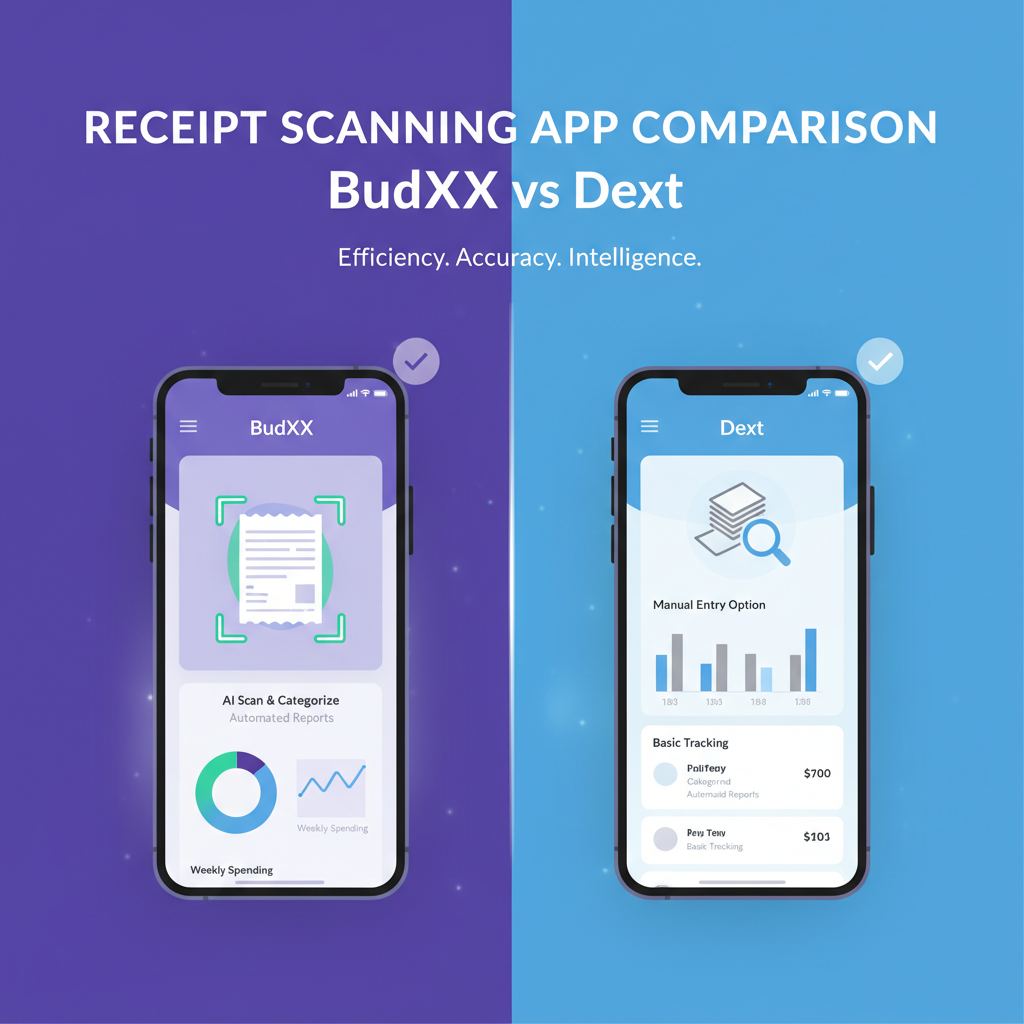
BudgetX vs Dext: Which Receipt Scanner Saves You More?
Stop overpaying for receipt scanning. See why small business owners are choosing BudgetX’s one-time purchase over Dext’s ongoing subscription model.
Quick Verdict
✅ Choose BudgetX If:
- You want predictable, one-time pricing
- You’re a freelancer or solopreneur
- You need simple expense tracking
- You prefer no recurring subscription
- You want to own your tools outright
✅ Choose Dext If:
- You need direct accounting software sync
- You process 500+ receipts monthly
- You’re an accounting firm managing clients
- You need multi-currency support
- You require bank feed integration
Pricing Comparison: The True Cost Over Time
Dext pricing as of 2024. Prices subject to change.
Feature-by-Feature Breakdown
📄 Receipt Capture & AI Extraction
Both BudgetX and Dext use advanced OCR and AI to capture receipt data. Dext was formerly known as Receipt Bank and has years of experience in extraction accuracy. BudgetX matches this accuracy but with a simpler interface designed for individuals.
💰 Pricing That Makes Sense
Dext charges $12-28/month depending on plan. Over 3 years, that’s $432+ for Prepare or $1,000+ for Precision. BudgetX costs $49 once—a 89% savings compared to Dext Prepare over the same period.
🔗 Accounting Software Integration
Dext excels at direct integration with QuickBooks Online, Xero, and Sage. BudgetX takes a universal approach: export to CSV that works with any system. This gives you flexibility without lock-in.
📊 Volume & Scale
Dext is built for accounting firms processing thousands of receipts across multiple clients. BudgetX is optimized for individuals and small businesses with typical monthly receipt volumes of 50-200 items.
🌍 Multi-Currency & International
Dext offers robust multi-currency support for international businesses. BudgetX currently focuses on single-currency use cases, ideal for domestic freelancers and small businesses.
Pros & Cons Summary
BudgetX Pros
- ✓ One-time payment (89% cheaper over 3 years)
- ✓ No subscription fatigue
- ✓ AI scanning with 99%+ accuracy
- ✓ Simple, intuitive interface
- ✓ Universal CSV export
- ✓ Works offline
- ✓ No per-seat fees
BudgetX Cons
- ✗ No direct accounting software sync
- ✗ Limited multi-currency support
- ✗ Not designed for accounting firms
Dext Pros
- ✓ Direct QuickBooks/Xero/Sage sync
- ✓ Multi-currency support
- ✓ Designed for accounting firms
- ✓ Bank feed integration
- ✓ Client management tools
Dext Cons
- ✗ Expensive monthly subscription
- ✗ 89% more expensive over 3 years
- ✗ Complex for simple needs
- ✗ Requires ongoing internet
- ✗ Overkill for freelancers
Frequently Asked Questions
Is Dext the same as Receipt Bank?
Yes! Dext was formerly known as Receipt Bank. They rebranded in 2021. If you’ve used Receipt Bank before, you’ll find the same features in Dext, just under a new name.
How much can I save with BudgetX vs Dext?
Over 3 years, Dext Prepare costs $432 while BudgetX costs just $49. That’s an 89% savings. For Dext Precision ($28/month), the 3-year cost is over $1,000—making BudgetX 95% cheaper.
Can BudgetX integrate with QuickBooks?
BudgetX exports to CSV format, which can be imported into QuickBooks, Xero, FreshBooks, or any accounting software. While not a direct sync, this universal approach prevents vendor lock-in.
Is Dext worth it for a solo freelancer?
For most freelancers, Dext is overkill. It’s designed for accounting firms and businesses processing high volumes. If you track 50-200 receipts monthly, BudgetX offers the same core functionality at a fraction of the lifetime cost.
What happens to my Dext data if I switch?
Dext allows you to export your data before canceling. You can import historical data into BudgetX or keep it archived. BudgetX starts fresh with all future receipts.
Stop Paying $144/Year for Receipt Scanning
BudgetX: $49 one-time. Dext: $144/year forever. The math is simple. Start saving today.
Download BudgetX
See All Features
Free to start • No credit card required • 89% cheaper than Dext